> ## Documentation Index
> Fetch the complete documentation index at: https://docs.petakopi.my/llms.txt
> Use this file to discover all available pages before exploring further.
# Loyalty Card Overview
> How the petakopi.my digital loyalty card system works
The petakopi.my loyalty card system lets coffee shops run digital stamp programs — no physical cards needed. Customers collect stamps on their phone and redeem rewards when their card is full.
## How it works
1. A shop owner creates a loyalty program (e.g. "Collect 10 stamps, get a free drink")
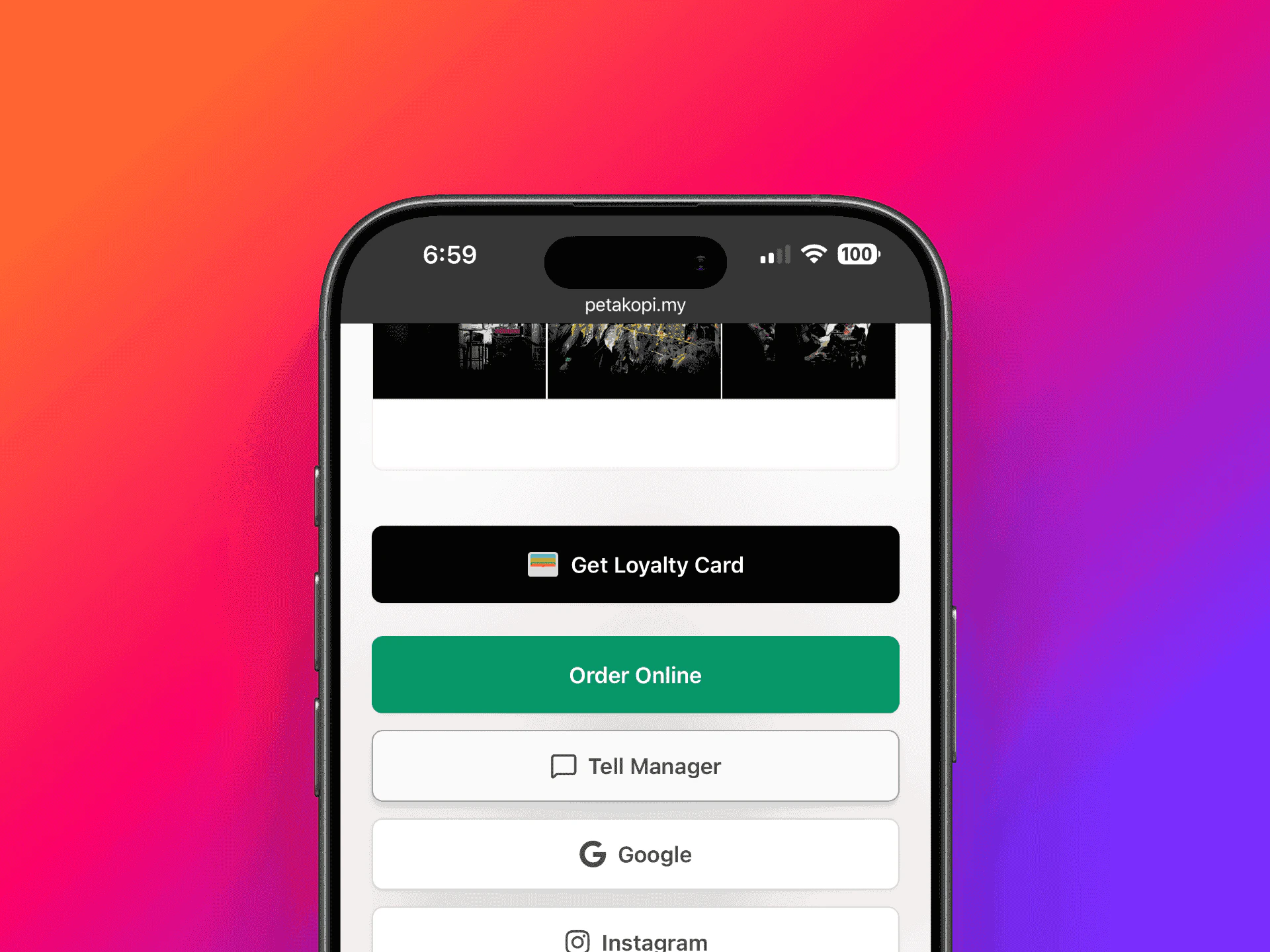
2. Customers add the loyalty card to their account from the shop's page
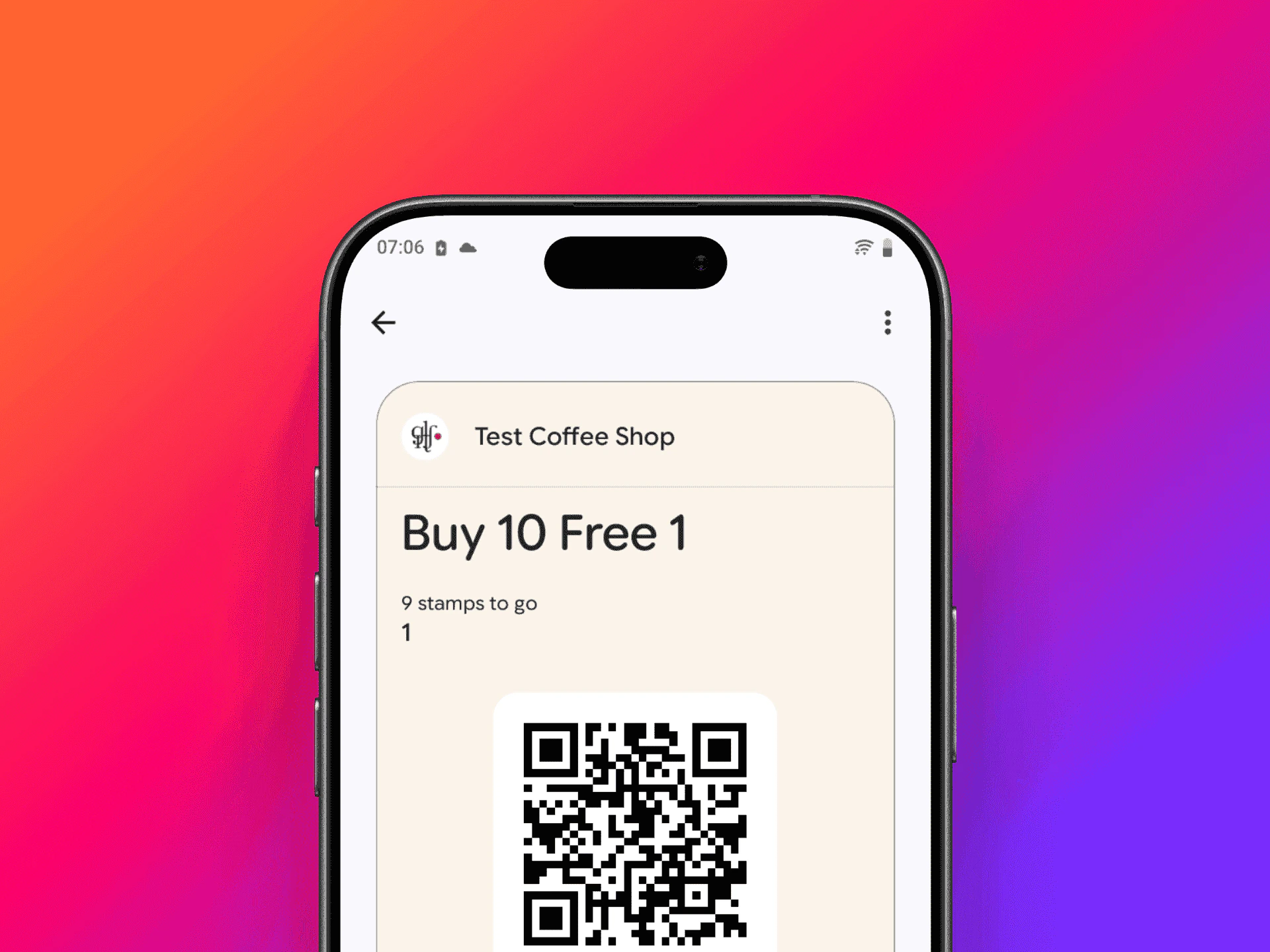
3. On each visit, the customer shows their QR code and the shop staff scans it to award a stamp
4. When all stamps are collected, the staff redeems the reward and a new card is automatically issued
 ## Key features
### Digital stamps
Everything is digital — customers just need their phone or access to the petakopi.my website. No more lost or forgotten punch cards.
### Apple Wallet & Google Wallet
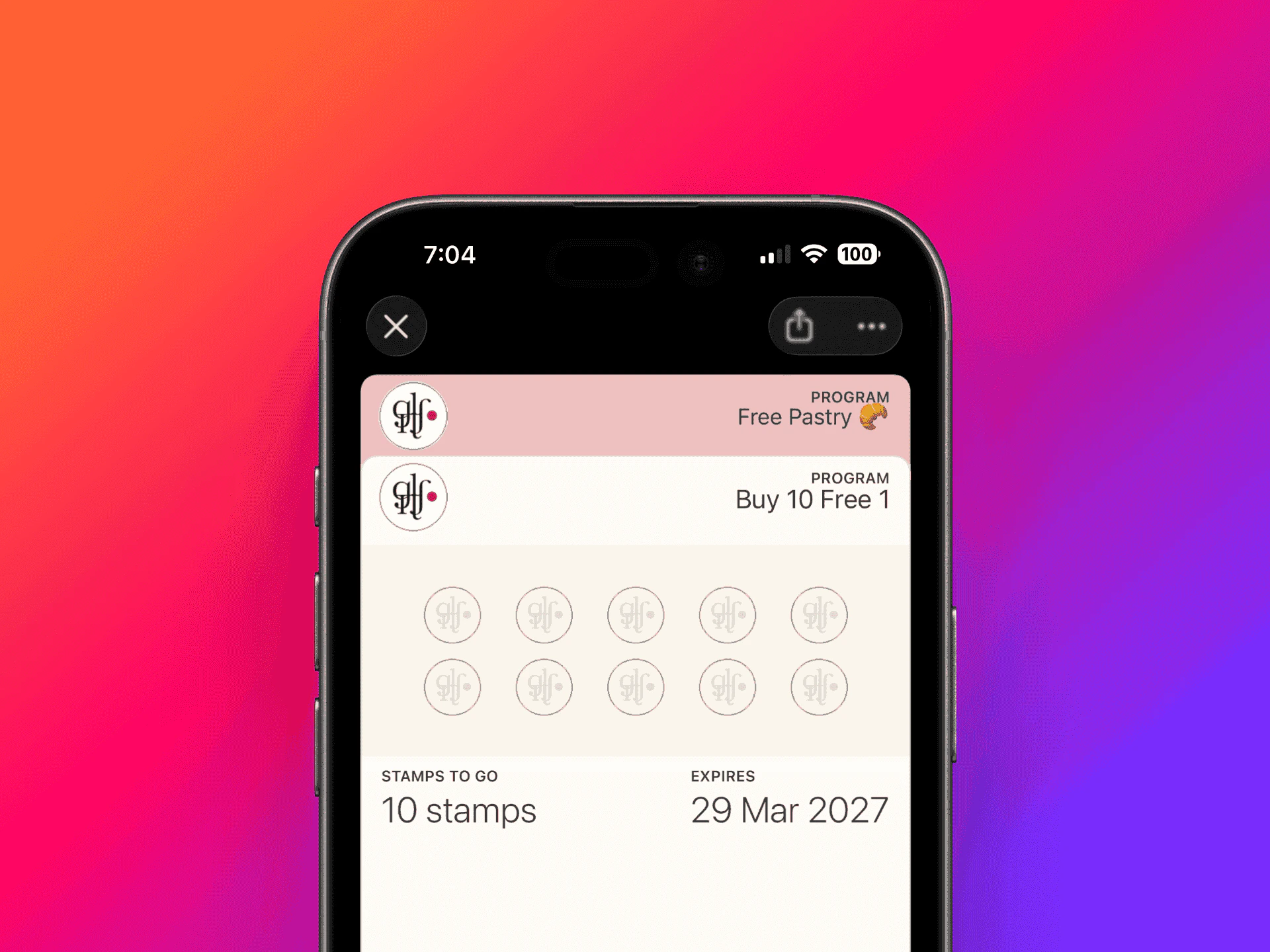
Customers can add their loyalty card to Apple Wallet or Google Wallet. Stamp counts update in real time via push notifications.
### Multiple programs
A shop can run multiple loyalty programs at the same time. For example, a "Coffee Card" and a separate "Pastry Card" — each with its own stamp count and reward.
### Web for customers, app for owners
Shop owners use the petakopi.my mobile app to create loyalty programs and scan customer QR codes. Customers can get and use their loyalty card from either the web or the app — no install required.
Customers don't need to download anything. They can get their loyalty card directly from your shop's page in a web browser, which keeps the queue moving at the counter.
## Next steps
Learn how to set up and manage loyalty programs for your shop.
Learn how to collect stamps and redeem rewards.
## Key features
### Digital stamps
Everything is digital — customers just need their phone or access to the petakopi.my website. No more lost or forgotten punch cards.
### Apple Wallet & Google Wallet
Customers can add their loyalty card to Apple Wallet or Google Wallet. Stamp counts update in real time via push notifications.
### Multiple programs
A shop can run multiple loyalty programs at the same time. For example, a "Coffee Card" and a separate "Pastry Card" — each with its own stamp count and reward.
### Web for customers, app for owners
Shop owners use the petakopi.my mobile app to create loyalty programs and scan customer QR codes. Customers can get and use their loyalty card from either the web or the app — no install required.
Customers don't need to download anything. They can get their loyalty card directly from your shop's page in a web browser, which keeps the queue moving at the counter.
## Next steps
Learn how to set up and manage loyalty programs for your shop.
Learn how to collect stamps and redeem rewards.