> ## Documentation Index
> Fetch the complete documentation index at: https://docs.petakopi.my/llms.txt
> Use this file to discover all available pages before exploring further.
# QR Template
> Printable QR codes for your counter, generated for your shop
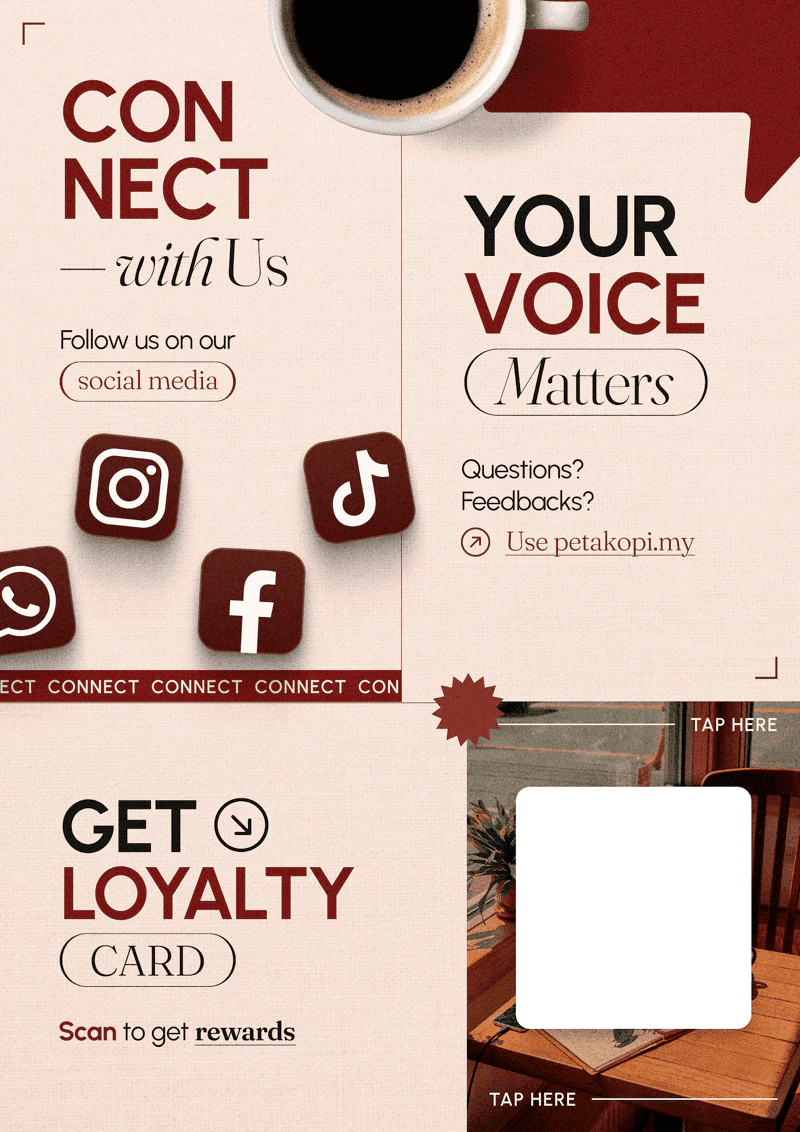
Help customers find your shop faster by displaying a printable QR code at your counter. Customers scan to get the loyalty card — no need to type your shop's URL.
We provide pre-made templates and generate the QR code for your shop.
 ## How to get one
Each QR is unique to your shop (your shop's URL is unique). [WhatsApp us](/getting-started/contact) and let us know which design you'd like — we'll generate it and send you a print-ready file.
## How customers use it
1. Display the printed QR code at your counter.
2. Customer scans it with their phone camera.
3. They land on your shop's page and tap **"Get Loyalty Card"**.
4. The card saves to Apple Wallet or Google Wallet — they're enrolled.
**Customers don't need to download the petakopi.my app** to scan or use the loyalty card. They use any web browser, which keeps the queue moving at the counter.
## How to get one
Each QR is unique to your shop (your shop's URL is unique). [WhatsApp us](/getting-started/contact) and let us know which design you'd like — we'll generate it and send you a print-ready file.
## How customers use it
1. Display the printed QR code at your counter.
2. Customer scans it with their phone camera.
3. They land on your shop's page and tap **"Get Loyalty Card"**.
4. The card saves to Apple Wallet or Google Wallet — they're enrolled.
**Customers don't need to download the petakopi.my app** to scan or use the loyalty card. They use any web browser, which keeps the queue moving at the counter.