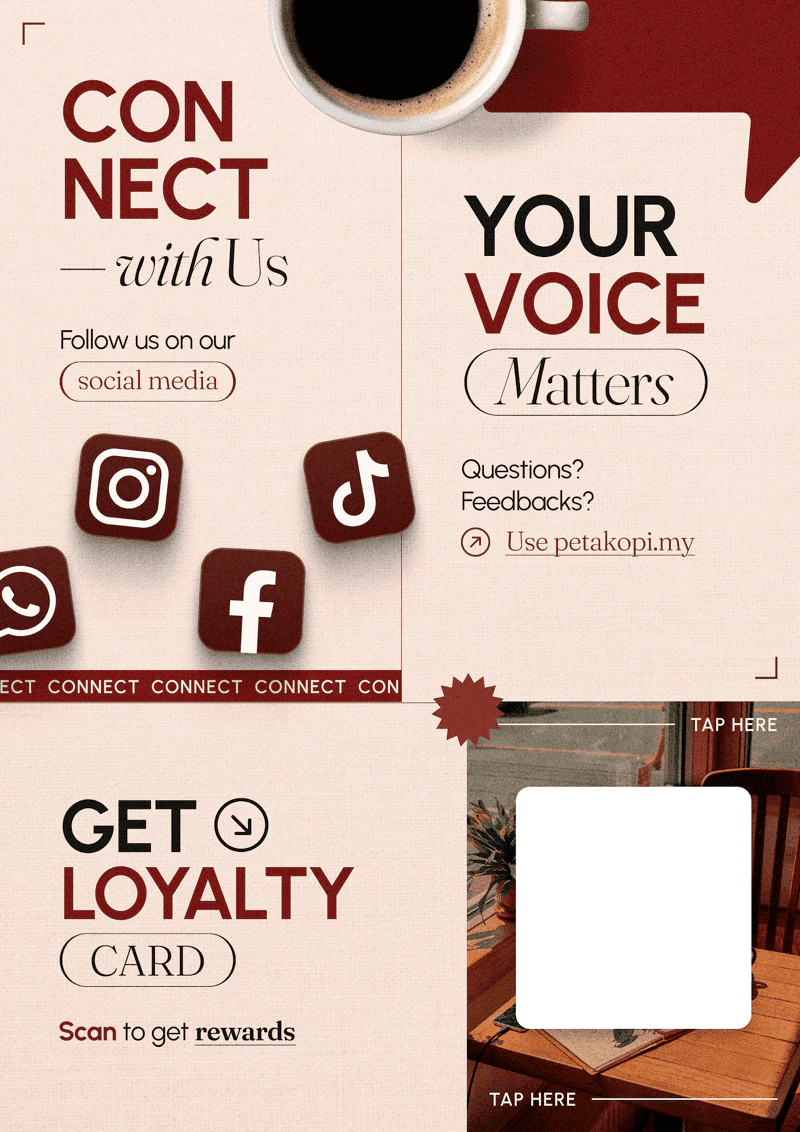
Help customers find your shop faster by displaying a printable QR code at your counter. Customers scan to get the loyalty card — no need to type your shop’s URL.
We provide pre-made templates and generate the QR code for your shop.
How to get one
Each QR is unique to your shop (your shop’s URL is unique). WhatsApp us and let us know which design you’d like — we’ll generate it and send you a print-ready file.
How customers use it
- Display the printed QR code at your counter.
- Customer scans it with their phone camera.
- They land on your shop’s page and tap “Get Loyalty Card”.
- The card saves to Apple Wallet or Google Wallet — they’re enrolled.
Customers don’t need to download the petakopi.my app to scan or use the loyalty card. They use any web browser, which keeps the queue moving at the counter.